Handing over a used connected car without dealing with its app account is like handing over the keys but keeping a second remote in your pocket. Depending on the system and subscription, the previous owner may still see vehicle location or trip information, while the new buyer may be unable to enrol. The fix is more than deleting an app from the old phone: the car, the manufacturer's server account and any shared users need a deliberate handover.
Connected features differ widely by brand and model. Some let an owner request a lock, locate the vehicle or view vehicle health; others have narrower functions. This guide is a checklist for the transaction, not a claim that every connected car permits remote starting or tracking. Check the actual model's app and terms.
Why changing the RC is not enough
Vehicle registration and digital-service enrolment are different records. The RC transfer does not automatically remove a VIN from an old app account. Hyundai India's Bluelink FAQ explicitly tells a seller to unenrol when transferring ownership. It says a used-car buyer whose vehicle is still attached to the previous owner should contact the call centre to request unenrolment after ownership verification.
This does not mean a new owner should demand the seller's password. The safer route is for the seller to remove their account and for the buyer to register in their own name through the manufacturer's process. Sharing an old login can expose the former owner's email, trip history, payment details or other vehicles.
Seller: remove access before handover
Start with the manufacturer's app and list every connected vehicle and shared user. Revoke shared access and follow the maker's unenrolment or ownership-transfer procedure. Hyundai's Indian Bluelink terms place responsibility on a seller to delink or deactivate enrolment on resale. Other brands use different menus and support channels, so get model-specific guidance.
Next clear personal information from the in-car infotainment system using its approved reset process: paired phones, saved addresses, contact sync, call history, profiles, garage-door integrations and payment credentials where present. A factory reset may erase settings and affect features, so follow the manual. Photograph the process or retain the manufacturer's confirmation of unenrolment. Simply uninstalling the phone app does not necessarily remove server-side vehicle access.
If a service subscription was paid in advance, read its transfer and refund terms. Hyundai's Indian subscription FAQ says its Bluelink subscription is not transferable to a new Hyundai vehicle. That does not by itself settle the treatment of a used vehicle's remaining entitlement, so ask the provider about that specific VIN and plan rather than promising the buyer a term you cannot verify.
Buyer: verify enrolment while you still have leverage
Before final payment, ask the seller or dealer to show that the old account has been removed. Check the VIN in the vehicle and documents, then follow the manufacturer's new-owner registration process. Hyundai's Bluelink instructions, for example, require the vehicle VIN and an in-car verification code; physical access to the parked vehicle and network coverage are needed. If enrolment fails because another owner is still attached, request the manufacturer's support route and keep written evidence.
Do not rely solely on a successful Bluetooth pairing. Bluetooth connects a phone locally; the manufacturer's remote app is a separate service. The car can pair your phone while an old digital account remains linked. Check the correct app dashboard for the VIN, authorised users and subscription expiry.
On collection, review every digital key or guest-access entry if the car supports those functions. Remove unknown users through the official procedure. If the seller cannot explain an existing digital key, contact the manufacturer rather than experimenting with the vehicle's security settings. You should also reset your own app password and enable available account protection.
Used-car dealers should make it a checklist item
A dealer may take a car in part exchange and sell it weeks later, with the former owner's app still attached. Ask who is responsible for digital unenrolment and when it will be completed. Include it on the delivery checklist beside both physical keys, RC transfer, insurance and service records. A promise that "the app will start working later" is less useful than a clear support reference and confirmed ownership verification.
If the prior owner cannot be contacted, some manufacturers offer a new-owner verification route. Hyundai India's FAQ says its call centre can prepare a used car for new enrolment after verifying ownership. The documents required and time taken may vary. Build that delay into your purchase decision if connected functions are important to you.
What if you no longer own the car?
If you sold it and forgot to unlink, contact the manufacturer's connected-service support immediately, provide proof of sale and request deactivation of your association with the VIN. Remove shared users and review any alerts or location history visible in the app. Avoid remotely controlling a vehicle you no longer own, even if the app still offers buttons.
Do not overlook stored destinations
Infotainment units can retain home and work addresses, navigation history and phone contacts even when a connected-service account has been deactivated. Those local records should be cleared separately. Check whether the car has built-in payment, toll, parking or charging accounts. Remove cards and tokens through each provider's own process; a vehicle factory reset may not cancel an external account.
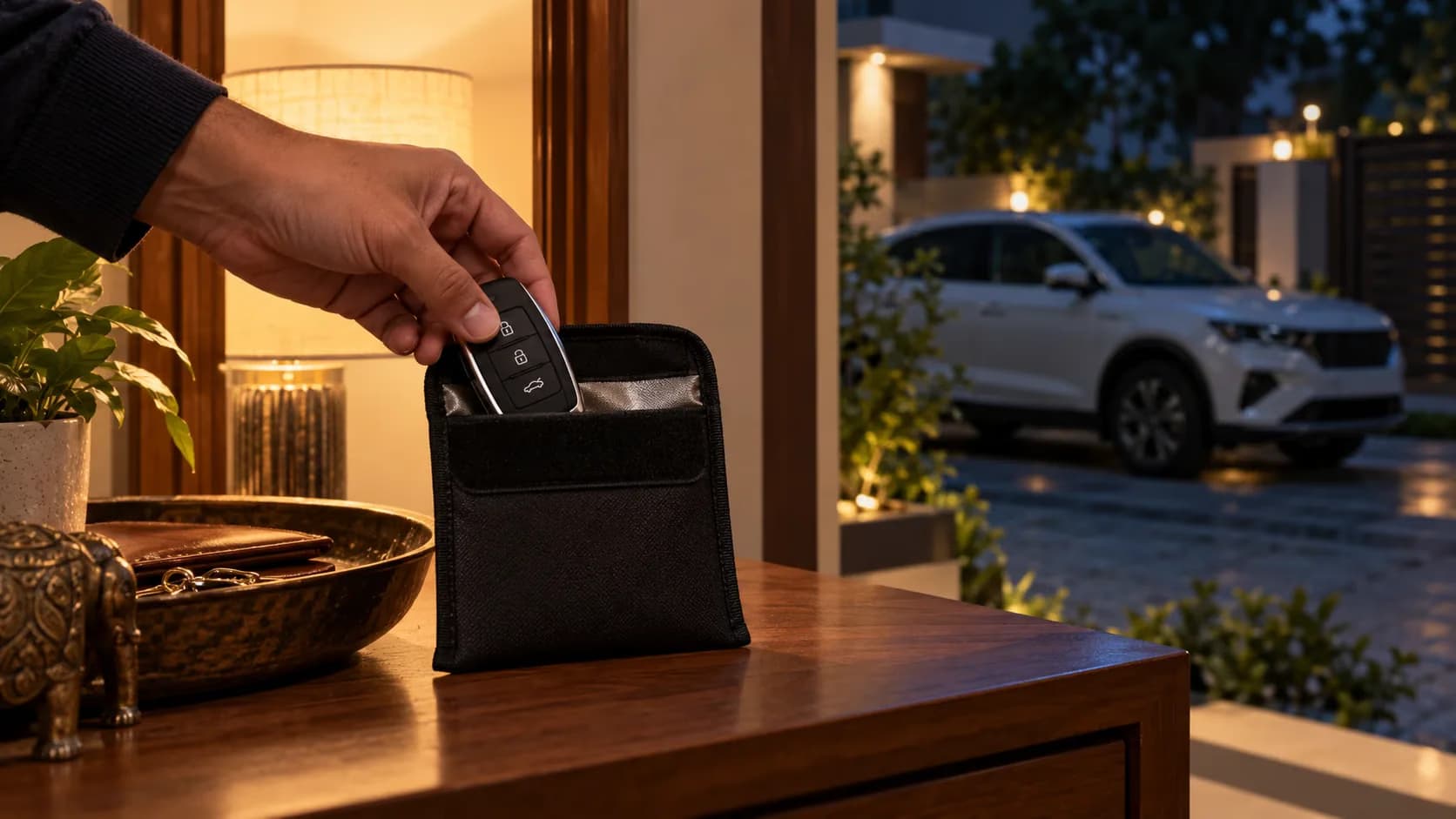
Some owners share access with family members. Ask them to revoke those permissions before transfer and verify the list afterward. Digital keys on phones or watches deserve particular attention because they may continue to work independently of a traditional key fob. The manufacturer's support team can confirm what should be removed for the specific car.
Keep a short handover record
Write down the date, VIN, app unlink confirmation and any support reference. This is not about collecting the previous owner's private login; it is about proving that the transaction included the digital side of the car. If activation requires documents or a delay, note who will supply them and by when. An unexplained connected-service gap should not be discovered only after the buyer has driven home.
If the manufacturer's app shows a car you sold, do not wait for the next owner to complain. Contact support with the VIN and sale date and request confirmation that your account is no longer associated with it. Keep your proof of sale private and send it only through the manufacturer's official channel. A dealer or buyer asking for your app password is a warning sign; proper ownership verification should not require surrendering your personal login.
The new owner should likewise avoid retaining an old owner's profile in the infotainment unit for convenience. The previous person's destinations, contacts and settings may be visible, and their cloud account may still update. Make a clean start with your own profile after the official transfer process.
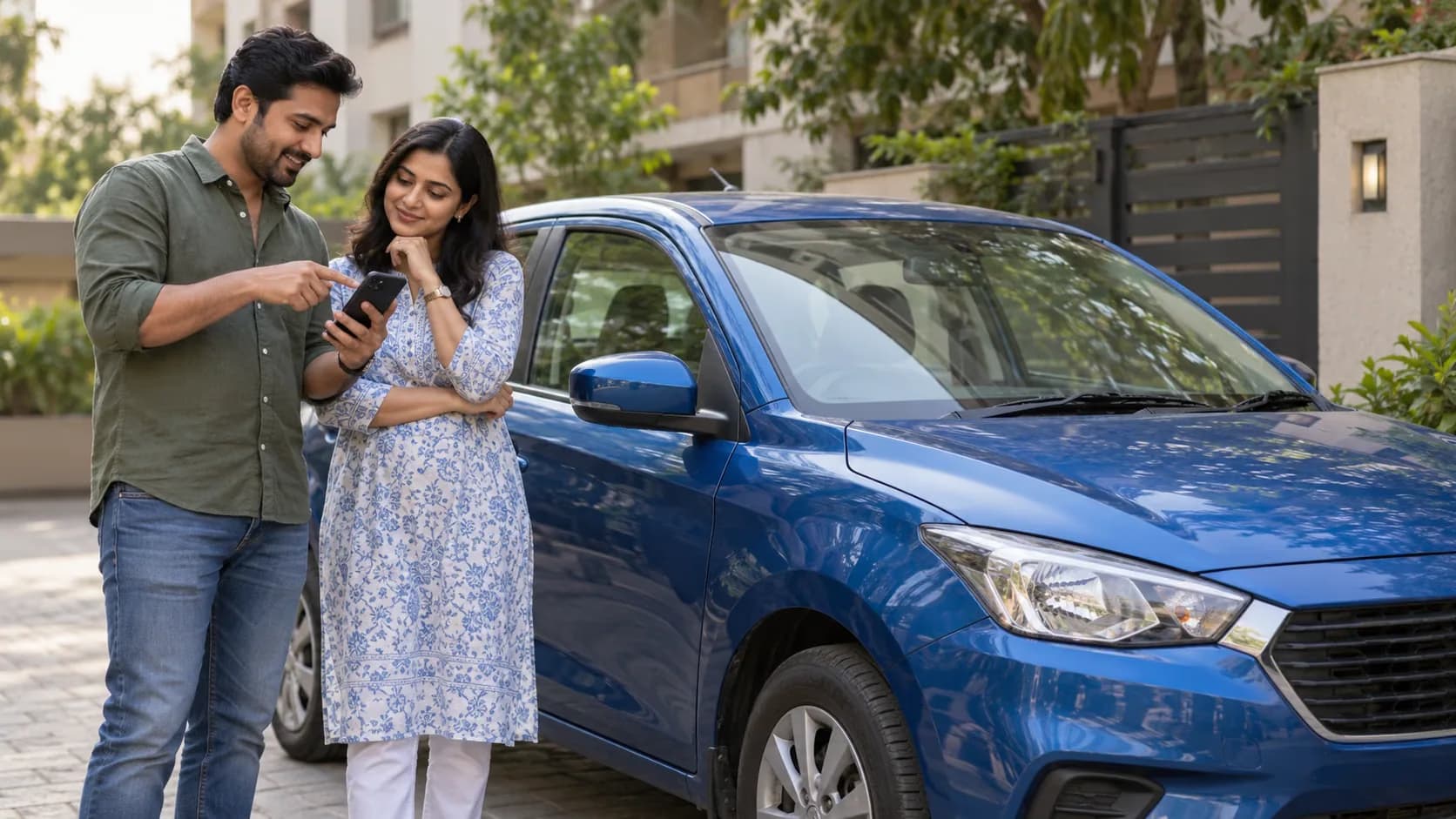
Digital handover is now part of a clean used-car transaction. The seller should leave no personal data or remote access behind; the buyer should gain a verified account in their own name. A five-minute app demonstration at delivery can expose a problem that would otherwise linger for months.