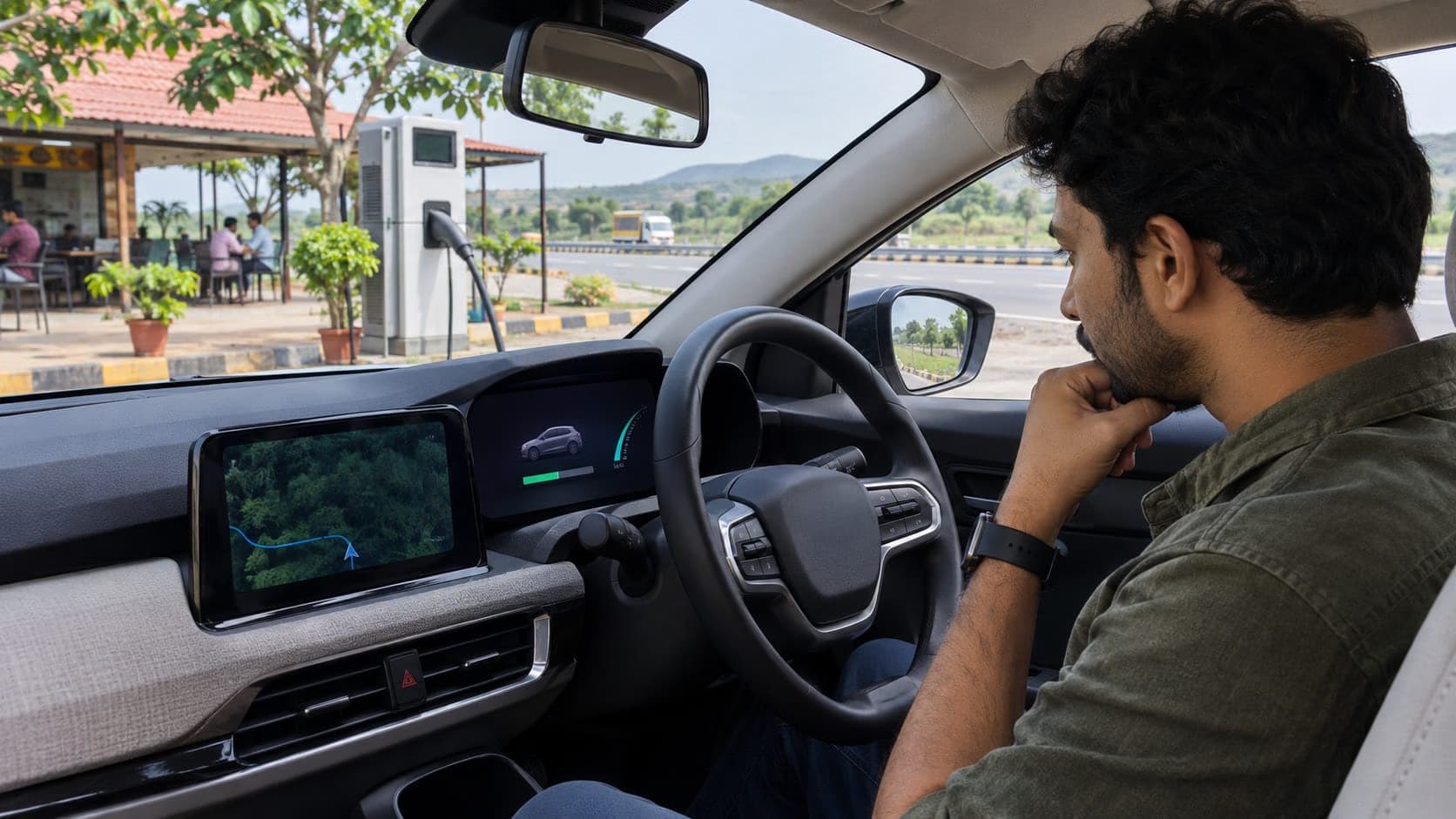
Your electric car shows more remaining kilometres after charging at home than it did at the same battery percentage on a highway trip. That can feel like the battery is losing capacity overnight. Often the display is doing what it is designed to do: estimating distance from the energy left and how the car has recently been used. The percentage state of charge and the distance-to-empty figure answer different questions, and neither should be treated as a promise of how far the next journey will go.
Hyundai's EV owner guidance says the displayed distance can vary with speed, acceleration, climate use, weather, terrain, battery temperature and battery condition. It may also change when a navigation destination is entered, because the car can recalculate using route information instead of only previous driving history. A changing estimate is therefore normal. A persistent, unexplained reduction in actual energy efficiency or usable range deserves a separate check.
Percentage and predicted kilometres are not interchangeable
The percentage display is a measure of the battery's reported state of charge. The kilometre figure is a prediction of how much distance that energy may cover under assumed conditions. A full battery does not always produce the same predicted number, just as a petrol car's distance-to-empty changes after city and highway driving. The EV calculation can react more visibly because climate equipment and speed have a large effect on energy use.
Imagine two trips from the same charge level. One is a slow commute in moderate weather. The other is an expressway run into a headwind with the air conditioner working hard. The car has not necessarily lost energy capacity between those trips; it is using energy at different rates. Hyundai's manual notes that high-speed driving and repeated rapid acceleration can reduce the estimated distance, while cabin heating and cooling draw energy from the high-voltage battery. A hill can do the same even when the distance covered looks small.
Do not read the display as an exact countdown. The first 20 kilometres of a trip may use more or less energy than the car predicted, causing the remaining-range number to move at a different rate from the odometer. That behaviour is not automatically a fault. Compare the trend over similar routes and conditions before deciding that the vehicle has changed.
Why a full charge can show a different number next week
Many systems learn from recent driving. A week of short congested journeys with frequent climate use may lead to a lower estimate at the next full charge. A long, steady drive can shift the prediction again. The Hyundai manual explicitly says that resetting learned driving patterns may raise the displayed distance without increasing the actual distance the car can travel. A prettier number after a reset is not a battery repair.
Seasonal changes matter too. Hot weather may increase air-conditioning demand and battery cooling; cold conditions can affect battery performance and cabin-heating use. Terrain and rain can change the energy needed to travel a kilometre. The effect is vehicle-specific, so avoid applying a fixed “subtract 20%” rule to every EV and every journey. Keep a margin based on your own car and route instead.
What can you measure more reliably?
Use the car's energy-consumption display over several repeat journeys. Many EVs show watt-hours per kilometre or kilometres per kilowatt-hour. Record the battery percentage at departure and arrival, the distance, weather, average speed and climate setting. A single noisy trip is not useful evidence, but a pattern across similar commutes is. If your usual 60-kilometre run begins consuming noticeably more energy without an obvious change in conditions, investigate tyres, alignment, brakes, software warnings and battery health with a qualified workshop.
Be careful with calculations from the displayed battery percentage. It may be rounded, and the energy accessible near the top or bottom of the pack is controlled by the vehicle's battery management system. Use the car's own trip-energy data where available and treat back-of-envelope estimates as approximate. If you need a formal battery-health assessment for a purchase or warranty issue, ask for the manufacturer's diagnostic report rather than relying on a screenshot of the range display.
How to plan a trip without chasing the display
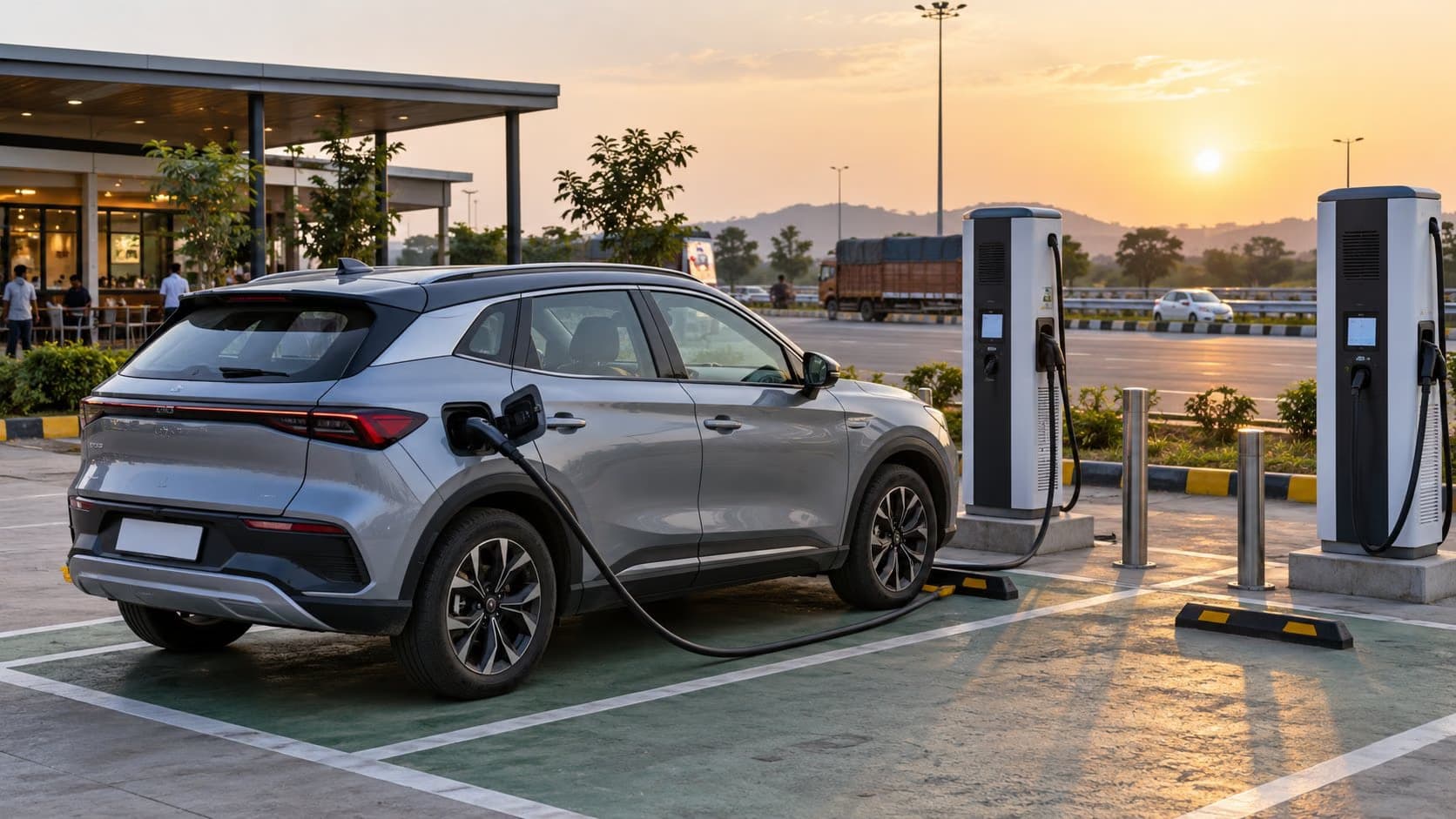
Start with the route, not the largest number you have ever seen after charging. Identify reliable charging stops and an alternative if the first one is unavailable. Use the vehicle's route planner if it accounts for charging and elevation, but verify the station connector, access hours and recent availability in the operator's app. Keep enough charge for diversions, traffic and a charger that is busy or out of service.
Recheck the estimate after you have been on the road for a while. A city-based prediction may adjust downward once you hold highway speed. If you set a destination, the number may change immediately as the system considers that route. That can be useful information, not a sign that energy suddenly vanished. Watch the battery percentage and actual consumption along with the predicted kilometres.
If the range margin becomes uncomfortable, reduce speed within safe traffic conditions, avoid unnecessary hard acceleration and use climate settings sensibly. Never compromise visibility or occupant safety to save energy. A misted windscreen needs clearing even if the blower costs range. The Hyundai manual advises charging when the low-battery warning appears; follow your own car's warning and charging instructions rather than trying to reach zero.
When should you ask for a battery check?
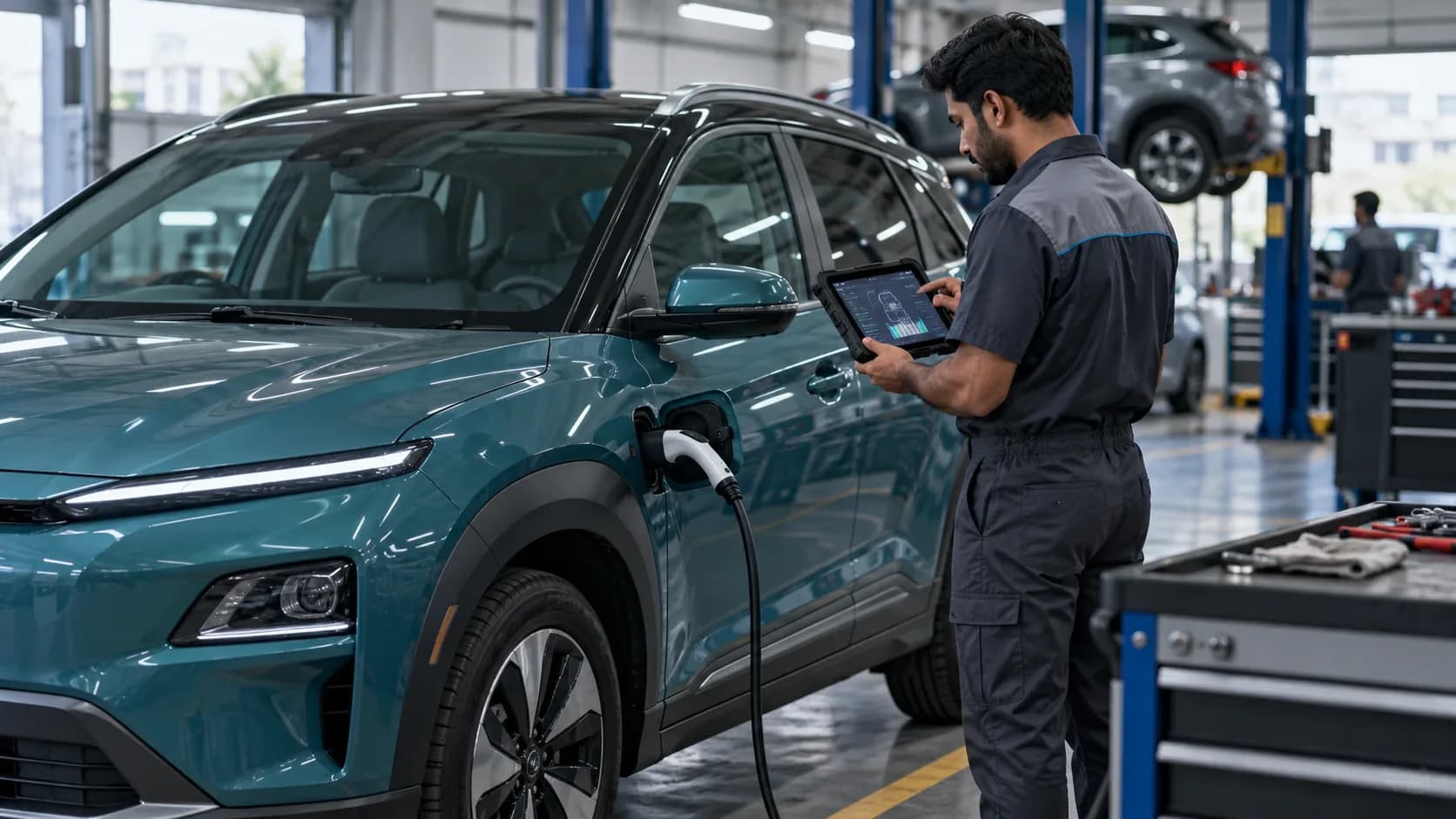
A change in the forecast alone is weak evidence of degradation. More useful warning signs are consistently lower distance achieved per charge on comparable routes, unexplained charging or battery warnings, or a manufacturer diagnostic result showing a problem. Natural battery ageing can reduce usable energy over time, but it should not be diagnosed from one 100-percent range screenshot. Have the service centre check the battery and related systems when the pattern persists.
Also distinguish efficiency from capacity. A dragging brake, low tyre pressure or a heavy roof load can make an otherwise healthy battery seem to deliver fewer kilometres. A software update may change how the vehicle estimates range without changing the pack's physical condition. Ask the technician to explain measured energy use, state of health and any fault codes separately. The US Department of Energy's EV overview also notes that rapid acceleration reduces electric range, reinforcing why driving pattern belongs in the diagnosis.
Use the dashboard as a planning aid, then build your own baseline. After several ordinary weeks, you will know the charge percentage and energy use your routes usually require. That experience is more useful than comparing one parked-car prediction with a brochure certificate or another owner's screenshot. The number can move; the important question is whether the car consistently covers your journeys with a sensible reserve.